
How to Redeem Build a Garden Tower Codes
Paste once, in-game only — then spend the cash before storage fills.
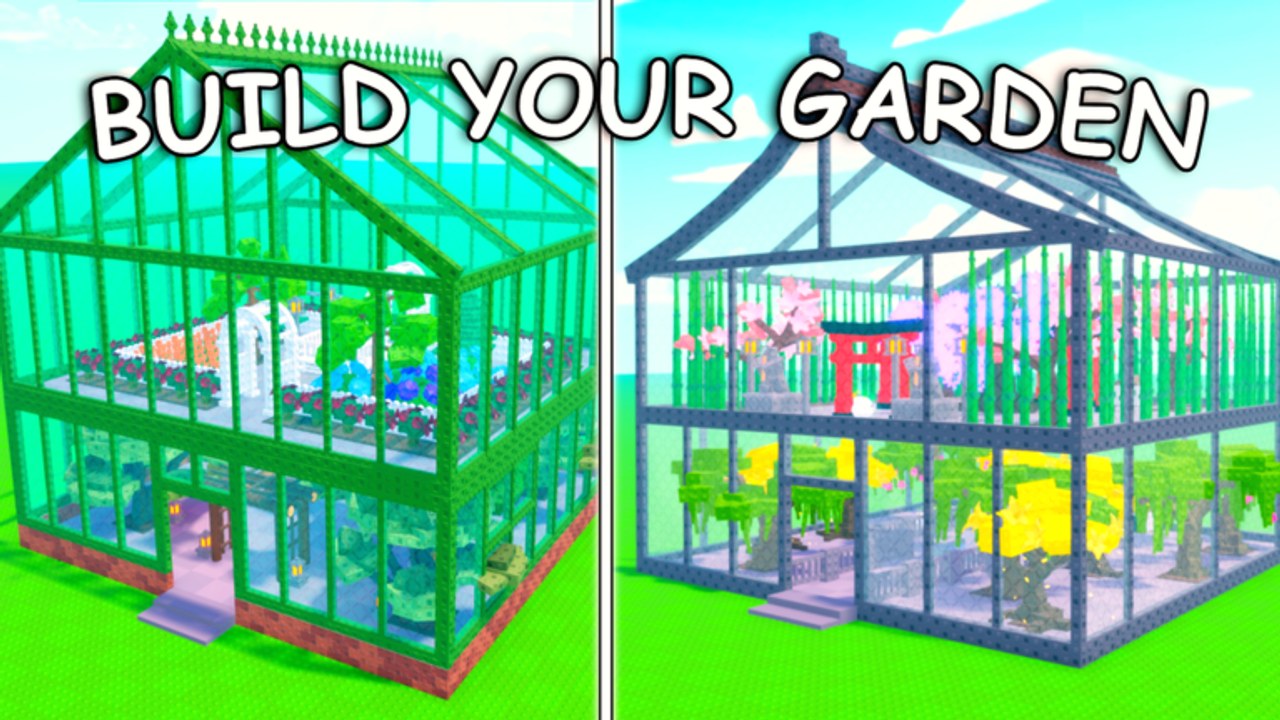
Redeeming a code in Build a Garden Tower is a thirty-second task if you stay inside the Roblox experience. The shop UI changes between updates, so this page describes the reliable path players use on similar Evil Penguinz tycoons and on this game’s own store buttons: open the in-game shop or settings panel, find the Codes field, paste the string exactly, then claim. Do not type the code into Google, a Discord bot, or a “free Robux” form.
If you have not spawned yet, start with the beginner walkthrough. Codes will not apply until your plot exists. If you already have a greenhouse, redeem before you dump cash into decorations so a sudden crate or plant grant does not bounce off a full storage cap.
Redeem on PC
- Launch Build a Garden Tower on Roblox and wait until your greenhouse loads.
- Look at the left or top HUD for Shop, Codes, or a gift-box icon. Tycoons from this studio put store passes (Auto Collect, Speed Coil, Forage Luck, Storage) in the same window as the code box.
- Click the Codes tab or scroll to the text field labelled along the lines of “Enter Code”.
- Paste the string. Codes are case-sensitive. Do not add spaces.
- Press Redeem / Claim. A toast near your cash counter should confirm the reward.
- Open inventory immediately. If the reward is a plant or crate, place or open it before you forage more.
Keyboard users can often hit the shop hotkey (commonly F or B in Roblox tycoons). If nothing opens, click the on-screen button — hotkeys differ on console.
Redeem on mobile
Mobile HUD buttons are smaller and easy to miss behind the joystick.
- Rotate to landscape if the shop icon sits under your thumb.
- Tap Shop or the gear icon, then swipe until you see Codes.
- Long-press the field and paste. Mobile keyboards love to insert a trailing space — delete it.
- Tap Claim and wait for the confirmation before you close the menu. A laggy server can eat the tap.
If the keyboard covers the Claim button, collapse it, tap Claim, then reopen if you have a second code. Redeem one string at a time so you know which reward landed.
Redeem on console
Console players should open the Roblox on-screen keyboard from the code field rather than trying to remember a string from a video. Have this codes hub open on a phone, copy the string, and type it carefully. Analog sticks insert accidental characters; if a code fails once, delete the whole field and retype instead of backspacing mid-string.
What a successful redeem looks like
You should see cash jump, a crate appear in inventory, or a system message naming the reward. Then:
- Cash: spend it on a floor or a restocked income plant, not on a cosmetic tree. See tower upgrades.
- Crate: open it when you have storage headroom. Maxing crates is part of the official pitch — do not sit on unopened boxes.
- Luck / forage item: use it on a forage run the same session. Luck does nothing in the lobby.
Log the reward in a note if you redeem several strings. Duplicate claims usually fail silently.
Why a code fails
| Symptom | Likely cause | What to do |
|---|---|---|
| Invalid / unknown | Wrong game (Garden Tower Defense, Grow a Garden) | Only use strings labelled for Build a Garden Tower |
| Already redeemed | One redeem per account | Stop retrying; it will not double |
| Expired | Posted for a numbered update that already rolled off | Wait for the next patch on the updates hub |
| Nothing happens | Trailing space, wrong case, or shop UI desync | Rejoin the server and paste again |
| Error after Update 6 | Client still on an old build | Leave, wait for Roblox to update the experience, rejoin |
Do not spam the button. Rate limits on tycoon remotes can lock the box for a minute.
After you redeem
- Check storage. A crate plus a forage haul will overflow the default cap; that is why +200 Storage exists as a pass.
- Revisit the plant tier list before you spend bonus cash on a pretty but slow crop.
- If the code was posted with a patch, skim Update 6 notes so you do not buy a plant that just got replaced.
- Return to the codes hub and mark the string mentally as used.
Redeeming is the easy part. Turning the reward into floors and rare plants is the actual game — the money guide and rare plants pages cover that spend order.
Phishing and fake redeem sites
Any page that asks you to log into Roblox to “unlock a code” is a steal. This wiki never asks for a password. The only legitimate box is the one rendered inside the experience. If a YouTube description links to an external redeem portal, skip it and paste the raw string in-game instead.
When you are done with codes, hop back to community links for the group page and keep an eye on the next numbered update. That is when the shop box is most likely to accept a new string.
Frequently Asked Questions
Quick answers to the most common questions.
Where is the codes button?
Inside the live game, usually in the Shop or Settings panel next to the game-pass list. It is not on the Roblox website.
Are codes case-sensitive?
Yes. Paste exactly. A lower-case copy of an upper-case string will fail.
Can I redeem on mobile?
Yes. Paste from your clipboard and delete any extra space the mobile keyboard adds before you tap Claim.
I entered a Garden Tower Defense code. Why did it fail?
That is a different Roblox game. Only strings published for Build a Garden Tower will work here. Check the codes hub instead of TD lists.