
Build a Garden Tower Tools
Planners you can run in your head before you spend Robux or delete a floor.
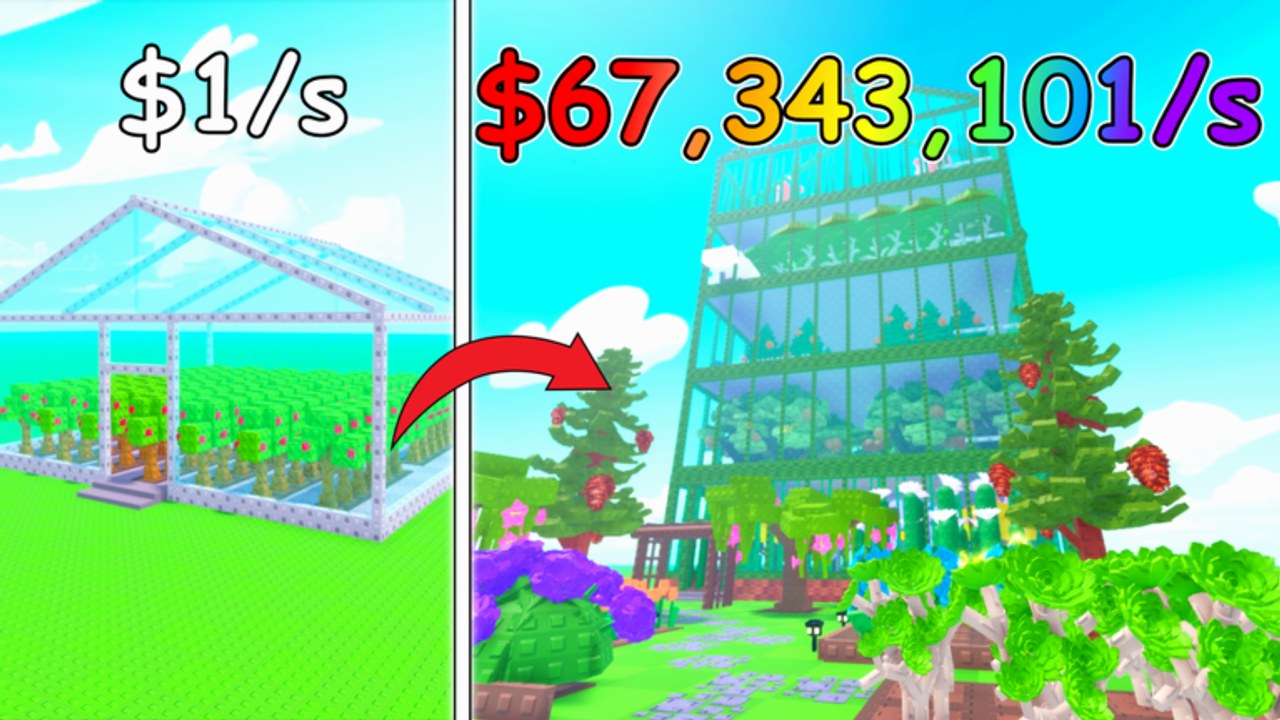
This hub is the practical kit: not another lore page, a set of decision tools. The child pages that matter most are the game pass planner and the session checklist. Four passes sit on the store and only two of them print progress. Around those pages we keep the mental calculators you need during a session.
Tool 1 — Pass picker
Open the planner and answer three questions: do you AFK, do you overflow storage, do you forage every session? The answers pick Auto Collect, Storage, Forage Luck, or Coil — rarely all four on day one.
Tool 2 — Storage threshold
Hold these fractions in your head:
- Harvest anytime.
- Forage under ~2/3 full.
- Open crates under ~1/2 full.
- Buy +200 Storage only if you overflow after selling.
That threshold tool is why rares vanish. Details live with rare plants and make money.
Tool 3 — Restock test plot
Never clone a new crop across a floor until one test plot moves cash-per-second. Screenshot HUD, wait a cycle, screenshot again. The plant rankings page is the written version of that test.
Tool 4 — Upgrade gate
Buy a floor only if every current plot is filled and you can plant the new ones now. That gate is the tower upgrade rule reduced to one sentence. If the gate fails, you do not need a spreadsheet; you need cash.
Tool 5 — Code timer
After a numbered icon change, spend ten seconds in the redeem box. Empty is a valid result. The codes hub is the timer’s home.
Tool 6 — Wrong-game filter
If a tool, Trello, or GUI mentions Seeds, waves, or Gerald Gnome, it is not for this place ID. Bookmark the links hub so you always return to Evil Penguinz, not a namesake.
How to use this hub in a 30-minute session
Run the session checklist if you want the same steps as a numbered list. Short form:
- Codes timer.
- Storage threshold, then sell.
- Restock test plot.
- Upgrade gate.
- Pass picker only if you are about to spend Robux.
- Forage if the bar is under two-thirds.
No downloadable calculator is required. The HUD already is the calculator. These tools exist to stop you from ignoring it.
When a real interactive widget ships on this wiki (copy-code chips, a pass quiz), it will live under this category. Until then, the planner page is the deep version of Tool 1, and the guides cover Tools 2–5 with more words.
Related: Getting Started if you have not spawned a week of habits yet, and scripts if you were about to replace all of these tools with an executor.
Frequently Asked Questions
Quick answers to the most common questions.
Is there a damage calculator?
No. This is not a combat game. The HUD cash-per-second number is the only calculator that matters.
Which tool should I use first?
The game pass planner if you are about to buy Robux. Otherwise the storage threshold and restock test plot.
Do these tools work on mobile?
Yes. They are decision rules, not desktop-only widgets. Landscape mode still helps you see the HUD.
Will you add a copy-code widget?
When verified codes exist. The codes hub is empty of strings on purpose until then.